Post-game analysis, for word games
Built for the player who keeps wishing their word game had a serious review loop.
Last updated April 17, 2026 · By Kurt Bijl
Play WordSalvo against real players
What the engine actually does
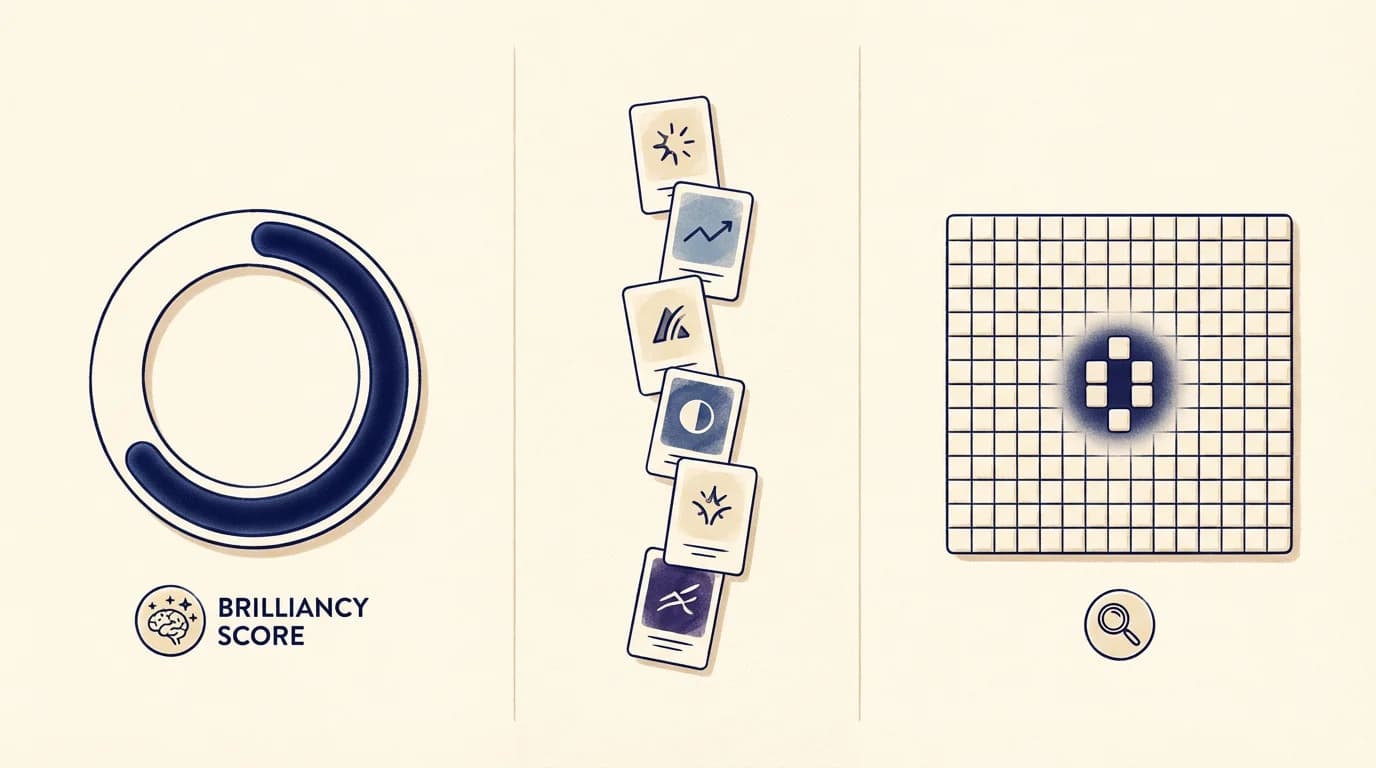
When your game ends, a Cloud Function called `analyzeGame` picks it up, steps through every move, and on each turn runs the full move generator across your rack and the current board. That is the same solver the AI opponent uses — it enumerates every legal placement, scores it, and keeps the best. Your actual move gets compared to that optimum.
The result lands in Firestore under `games/{gameId}/analysis/result` and streams back to the app. No manual trigger, no "Analyze" button to remember — if the game was online and finished, the analysis is on its way. A small skeleton card appears under the final score while the Cloud Function crunches; typical wait is 3–10 seconds for a full 20-move game.
This only runs for online and AI games today. Local pass-and-play is client-only and does not persist moves to Firestore, so the server cannot replay it. The instant stats described below still apply to completed matches.
Brilliancy score: one number for the whole game
Every analyzed game gets a Brilliancy Score between 0 and 100. The number is an accuracy measure — the share of optimal points your moves captured across the match, not a raw points-over-opponent figure. A 96 means you found something close to the engine's best move almost every turn; a 54 means there was a lot of equity left on the rack.
Brilliancy is computed per player, so you and your opponent each get one. It is independent of who won — you can lose a tight game with an 88 and win a sloppy one with a 61. The score sits next to your final total on the game-over screen and on the sharable endgame card.
The reference point is Chess.com's Game Review, which popularised accuracy scoring for chess. The question this page answers — "does any word game do that?" — is what we built toward.
Every move gets a rating
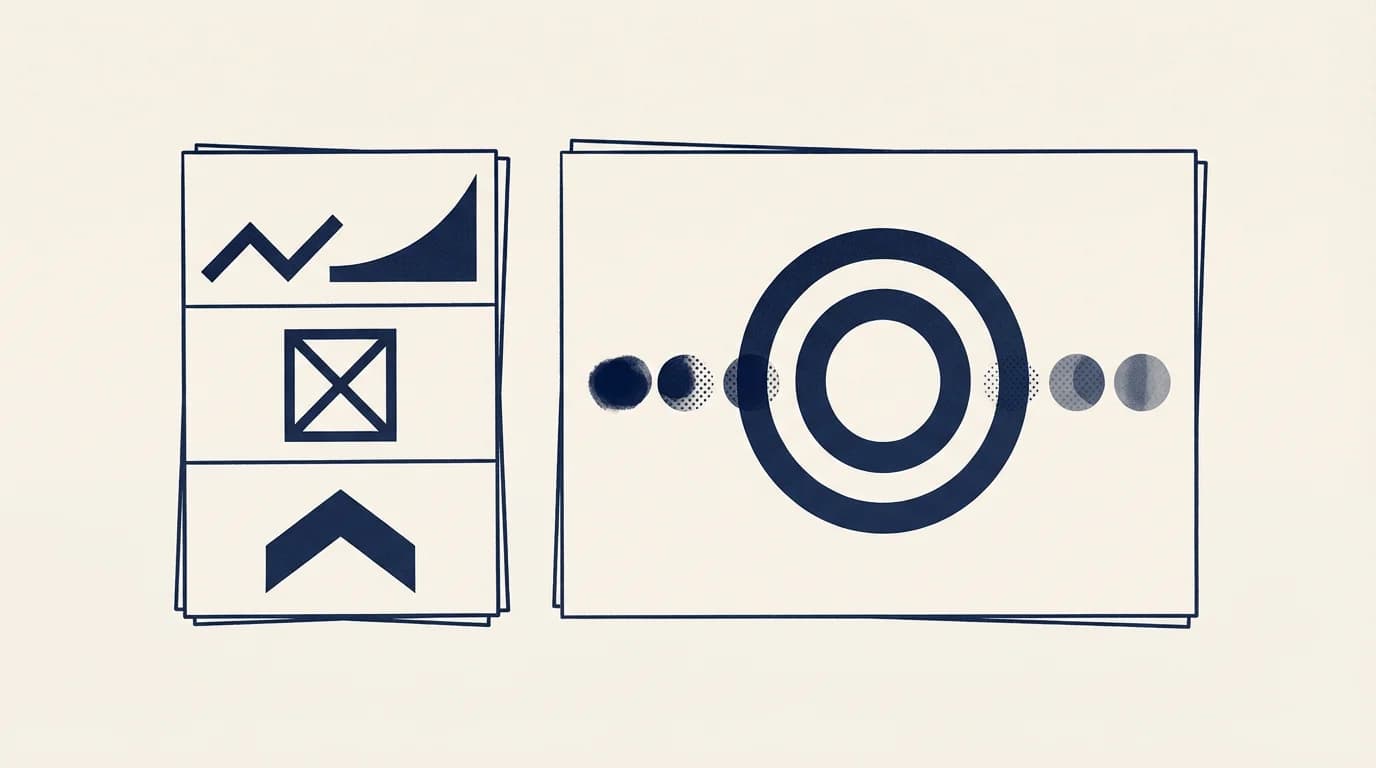
The engine tags each of your plays with one of six ratings: brilliant, strong, solid, okay, missed opportunity, or oversight. Brilliant means you found the top move, or within a point of it. Missed opportunity means a materially better play existed — typically 30 or more points you left on the rack. Oversight is reserved for moves that were legal but structurally wrong — a throwaway when a bingo was available, for example.
The ratings are the same family Chess.com uses ("brilliant", "best", "great", "inaccuracy", "mistake", "blunder"), adapted to the way word-game equity actually works: a "brilliant" in WordSalvo is not just a big score, it is a big score relative to what else the rack could have done. A 68-point play on a rack where 70 was the maximum is brilliant. A 45-pointer on a rack that had a 90-point bingo is a missed opportunity, no matter how proud you were at the time.
Counts per player are surfaced on the game-over screen — how many brilliants, how many missed opportunities — so you can see at a glance whether the game was close because you both played well or because you both played loose.
Replay the game move by move
Open the Analysis screen and you get the whole game as a scrubbable replay. Tap any move in the history strip and the board resets to that turn's state. Beside your actual move, the engine shows the optimal alternative it found: the word, the anchor square, the score, the rack leave.
Each move carries a coach note — usually 1–2 sentences explaining why the rating came out the way it did. Not a lecture, not a paragraph of hedging: the specific reason, usually built from cause-and-effect heuristics (opened a triple-word for the opponent, left a vowel-heavy rack, blocked your own best column).
Because the replay runs on reconstructed board state rather than a screen recording, you can also use it as a training tool. Pause on a missed-opportunity move, look at the rack, try to spot the better play before you tap to reveal it. That is the Chess.com workflow; it works here for the same reasons.

What is free, what is Word Master
Free on completed matches: the instant stats layer — computed client-side from your move history in under a millisecond. That covers the Decisive Moment card (which move caused the biggest lead swing), the Rack Penalty card (what those leftover tiles cost you), Personal Records (best word, highest score, longest bingo streak), the score heartbeat sparkline, and the move-history list. No network round-trip, no subscription.
Word Master unlocks the server-side engine pass: the brilliancy score, the six-rating move tags, the optimal-move comparison on each turn, the coach notes, and the replay screen. If you have ever paid for Chess.com's Game Review, this is the same kind of exchange — the analysis is expensive to compute at scale and funds the rest of the product.
Matchmaking, ratings, tournament rules, and the go-live dictionaries are identical for free and paying players. Word Master adds depth on top of the game; it never changes which words are legal, which tiles you draw, or how points are scored. Final pricing is confirmed at launch.
Word Book and the share card
Two smaller pieces close the loop. First, every new word you play is auto-recorded in your personal Word Book the moment the game ends. No button press. Each entry keeps the board state it was played on and the definition from the in-language dictionary. It is how you remember the weird ones you would otherwise forget by tomorrow.
Second, a shareable endgame card — rendered from the same game-over view — exports as an image you can post without the app having to nag you. It carries the final score, the brilliancy ring if analysis is ready, your best word, and a tiny board preview. No watermark ribbon; no app-store logos plastered across the top. It looks like a result, not an ad.
Frequently asked questions
- is there really a brilliancy score in a word game?
- Yes. Covered online and AI games can run through a Cloud Function that replays each move, computes the optimal play on that turn, and returns a per-game brilliancy score between 0 and 100 plus a rating for each analyzed move. It is modelled on the Chess.com Game Review flow, applied to a 15×15 word board.
- how long does the analysis take?
- A few seconds for most games. The engine runs on a Cloud Function, not your phone, and a skeleton card appears on the game-over screen while it works. The instant client-side stats — decisive moment, rack penalty, personal records — show up immediately either way, well under one millisecond.
- what do the move ratings mean exactly?
- Six labels: brilliant, strong, solid, okay, missed opportunity, oversight. They rate a move against the best legal play on that turn, not against a raw point total. A 45-point play can be brilliant if nothing better existed, and a mistake if the rack had a 90-point bingo you walked past.
- do I need to pay to see any of this?
- No. Instant stats — decisive moment, rack penalty, personal records, best word, score heartbeat, move history — are free on completed matches. The engine layer on top of that (brilliancy score, optimal moves, ratings, replay, coach notes) is included with Word Master. Free players can always see who won and why.
- does analysis run on local pass-and-play games?
- Not today. Local pass-and-play is fully offline and does not persist moves to the server, so the Cloud Function has nothing to replay. Instant client-side stats still appear at the end of every local game. Online and AI games are analyzed automatically.
- can I share the result?
- Yes. The game-over screen exports a share card with the final score, your brilliancy number when analysis is available, your best word, and a small board preview. It is a plain image — no forced app badges across the top — and works from completed games whether or not you subscribe.