Proof 1
Find the friend path in the Play hub.
Play word games with friends
Open the Play hub friend path for a classic board-and-rack game. View active home match cards or try the separately labelled AI practice.
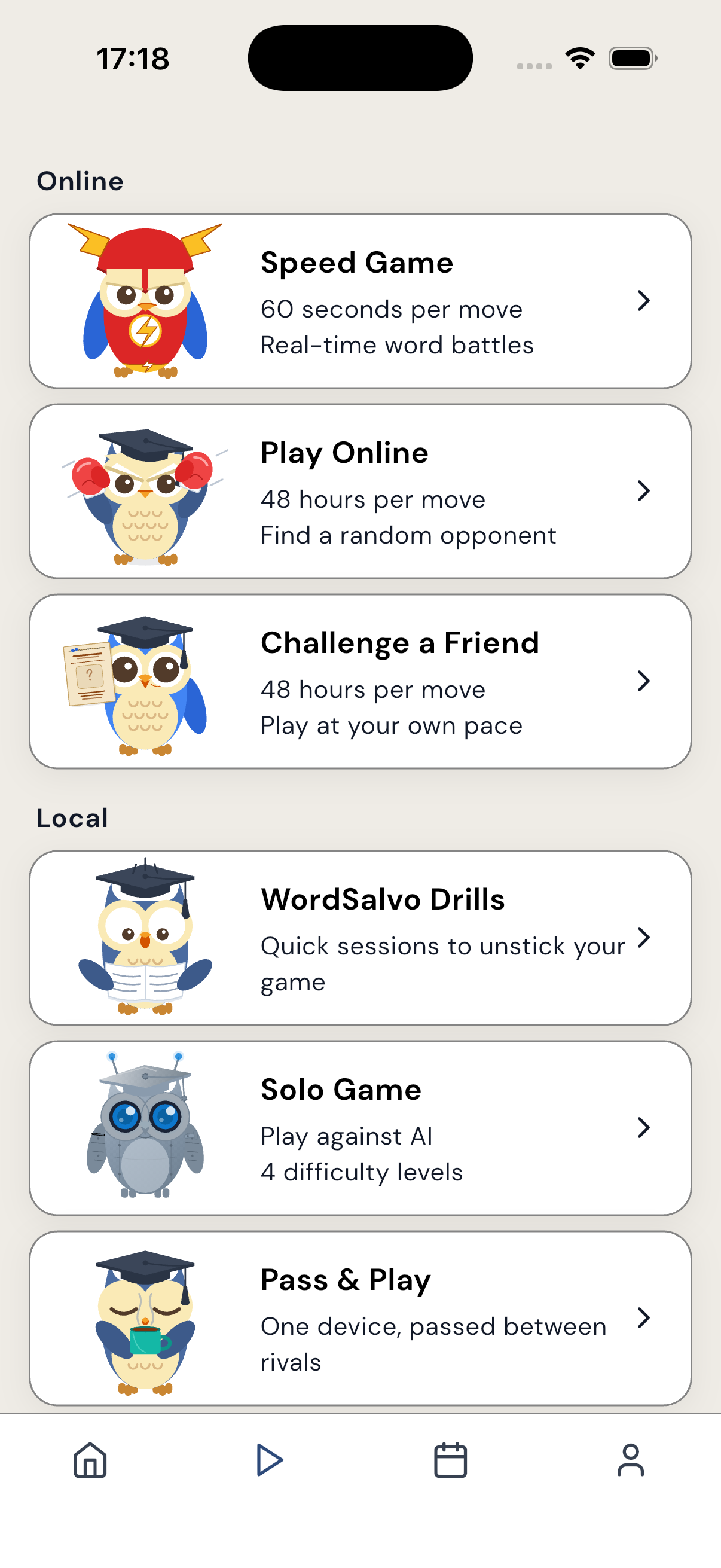
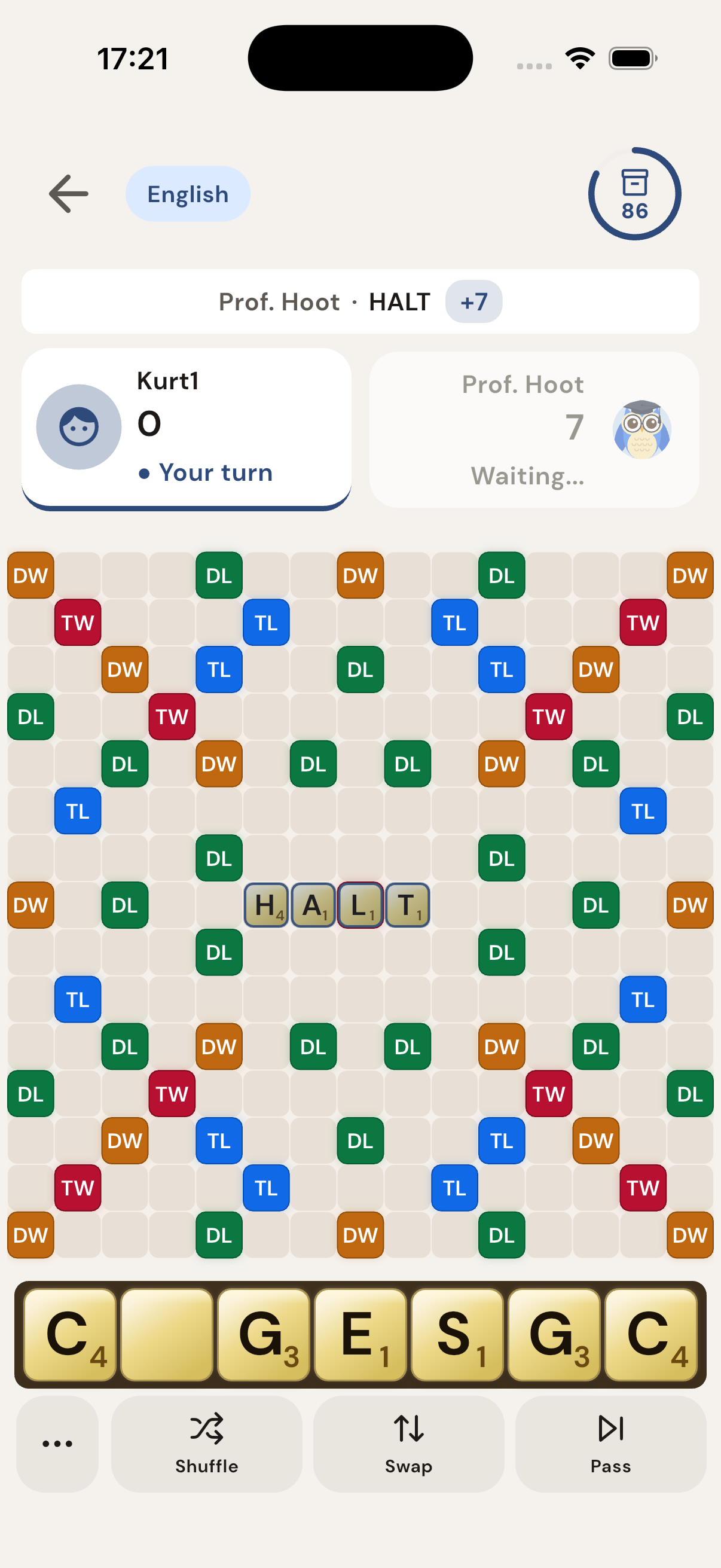
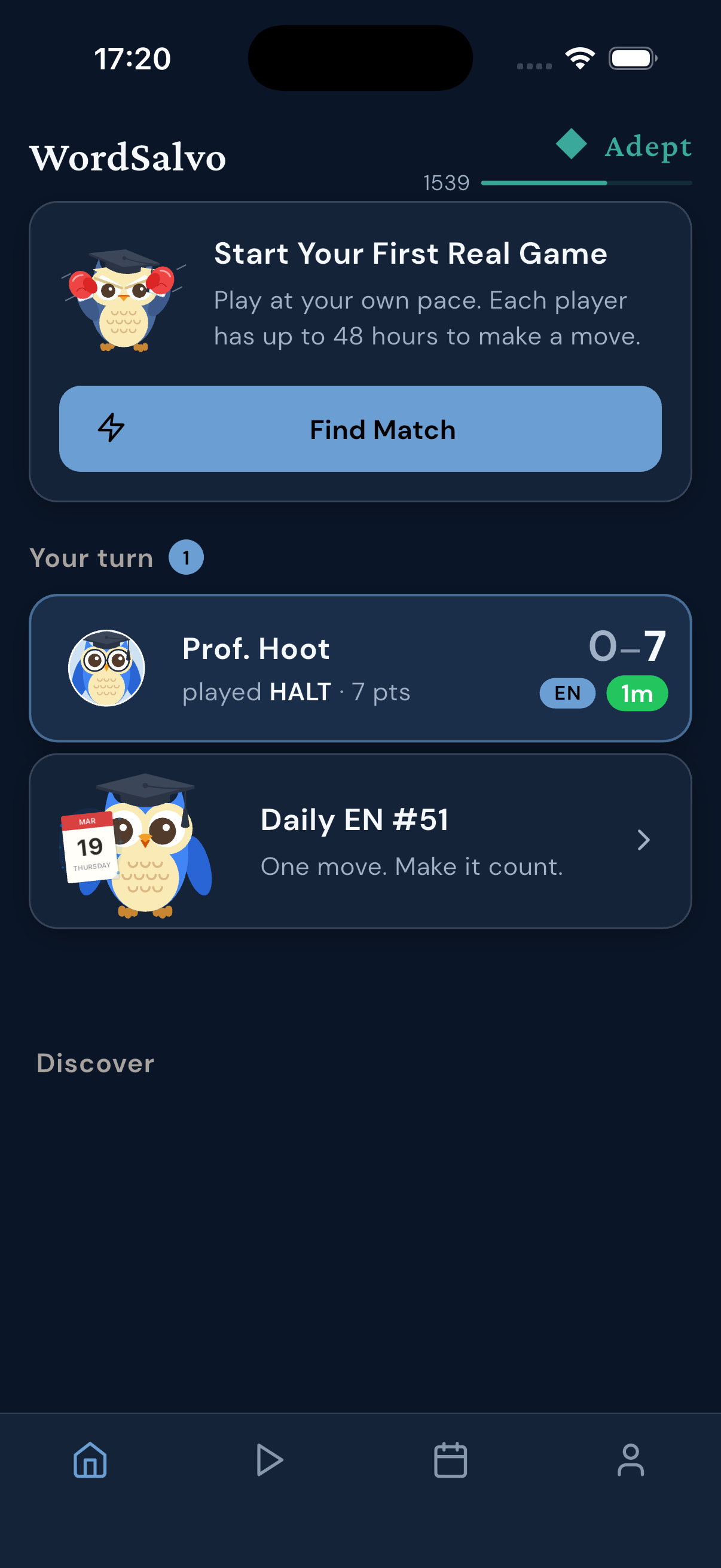
The screenshots show WordSalvo surfaces that players can recognize in the app.
Why it works
Take a look around the WordSalvo board and menus to get familiar with the layout.
Find the friend path in the Play hub.
View active games on home match cards.
Explore the classic board-and-rack layout.
Try the separately labeled AI practice setup.
Game guide
Explore the different ways to enjoy WordSalvo by navigating through these key areas of the app.
Open the Play hub to find the dedicated option for playing with someone you know.
Familiarize yourself with the classic board-and-rack layout used for building words.
Look at the home screen to see where active games in progress are displayed.
Use the separately labeled AI setup to warm up before your next match.
Published by Netkreatives. Information provided by the WordSalvo Editorial Team.
Built for how you play
Find out how to navigate the menus to locate the friend path, view the live board surface, and practice.
The Play hub includes distinct paths for online matches, playing with a friend, and practice sessions.
The app features a classic board-and-rack layout to build words and plan your next move.
Home match cards display games in progress directly from the home screen, making it easy to see your active boards.
Want to try out a few words first? Use the separately labeled AI practice area to play against the computer before exploring the friend path.
Screenshots
Each image is an existing WordSalvo screenshot matched to the promise here.

FAQ
You can find the dedicated friend path located directly within the Play hub.
WordSalvo features a classic board-and-rack layout where you can place tiles and build words.
Yes, there is a separately labeled AI practice setup where you can play against the computer.
Your active games are displayed on home match cards right on the main screen.
Next step
Available on the App Store and Google Play.
Related pages