Proof 1
Review past puzzles in our dedicated web archive.
Daily Word Puzzle
Explore our past-puzzle archive for previous solutions and optimal scores when available, then open the app for the current daily word puzzle experience.
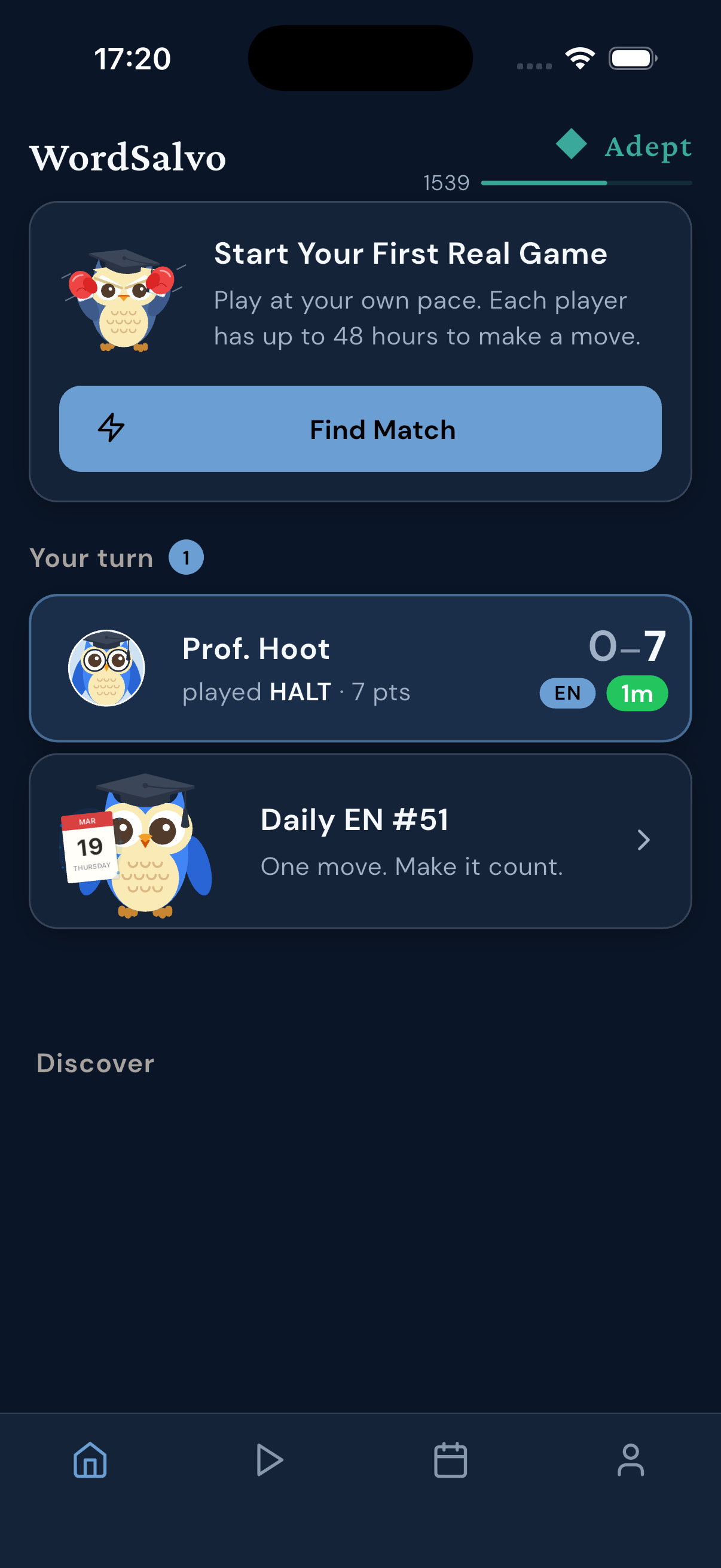
The screenshots show WordSalvo surfaces that players can recognize in the app.
Why it works
WordSalvo offers a dedicated daily word puzzle in the app, while our web archive lets you browse past puzzle records and answers.
Review past puzzles in our dedicated web archive.
Check reconstructed answers and optimal scores when available.
Learn from previous solutions before trying the app.
Open the WordSalvo app for the current play experience.
Archive Guide
The web archive is for browsing past puzzles and answers, while the app is the route for the current WordSalvo play experience. Follow this routine to explore previous challenges before you download.
Open the archive to look at a previous day's puzzle record.
Review the reconstructed answer and optimal score when available.
Choose one word pattern to notice from the past solution.
If the puzzle format suits you, open the store to try WordSalvo on your device.
View past puzzles on the web
Browse the ArchivePublished by Netkreatives. Content provided by the WordSalvo Editorial Team.
Built for how you play
See how the daily word puzzle fits into your broader WordSalvo play experience.
Browse the daily puzzle archive on the web to see past puzzle links and records. It is the perfect place to review previous challenges.
When available, past puzzle pages display the stored optimal score and a conservatively reconstructed answer word based on stored placement data.
Open the WordSalvo app to find the current word challenge. The app is your route for the active play experience on your device.
Once you finish the daily word puzzle, explore the rest of WordSalvo. Dive into drills and live boards to keep the fun going.
Screenshots
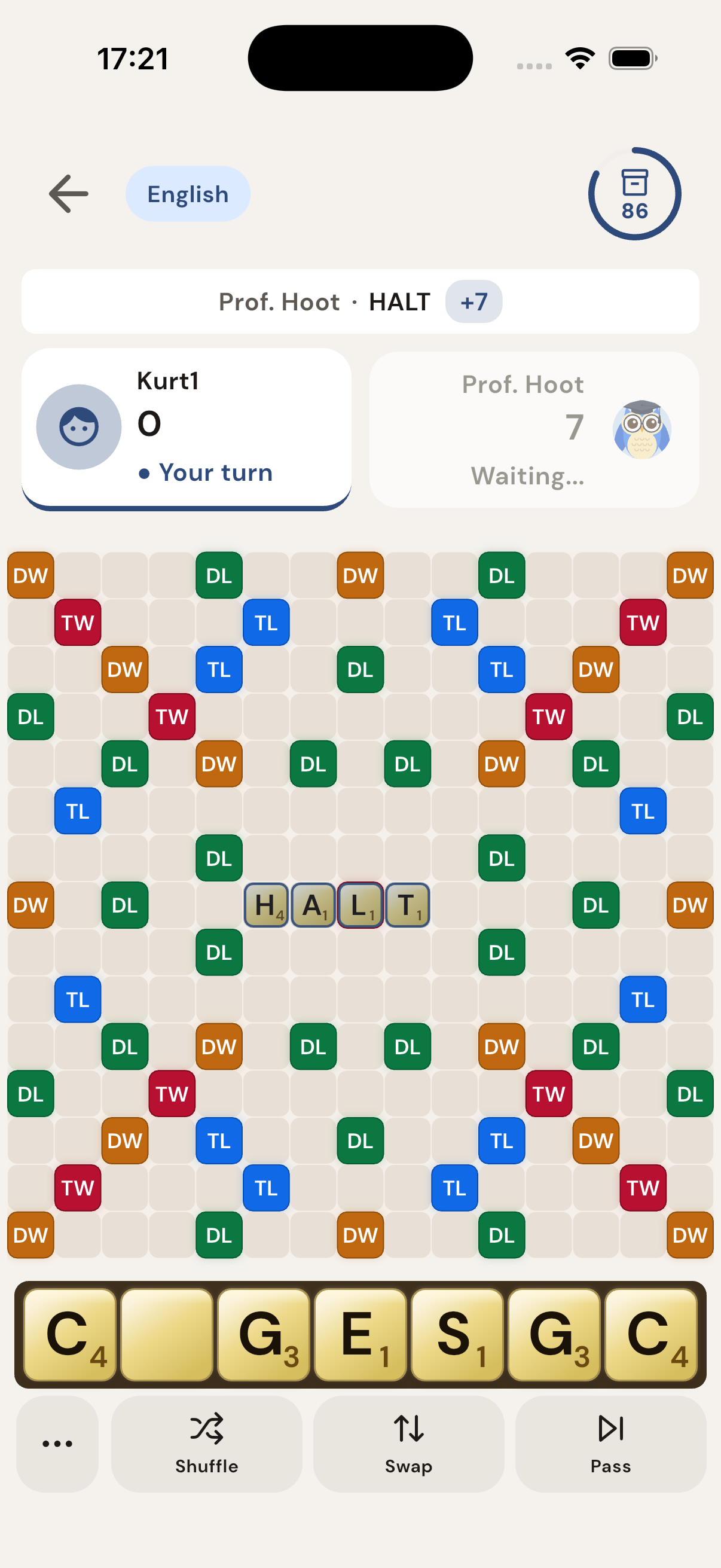
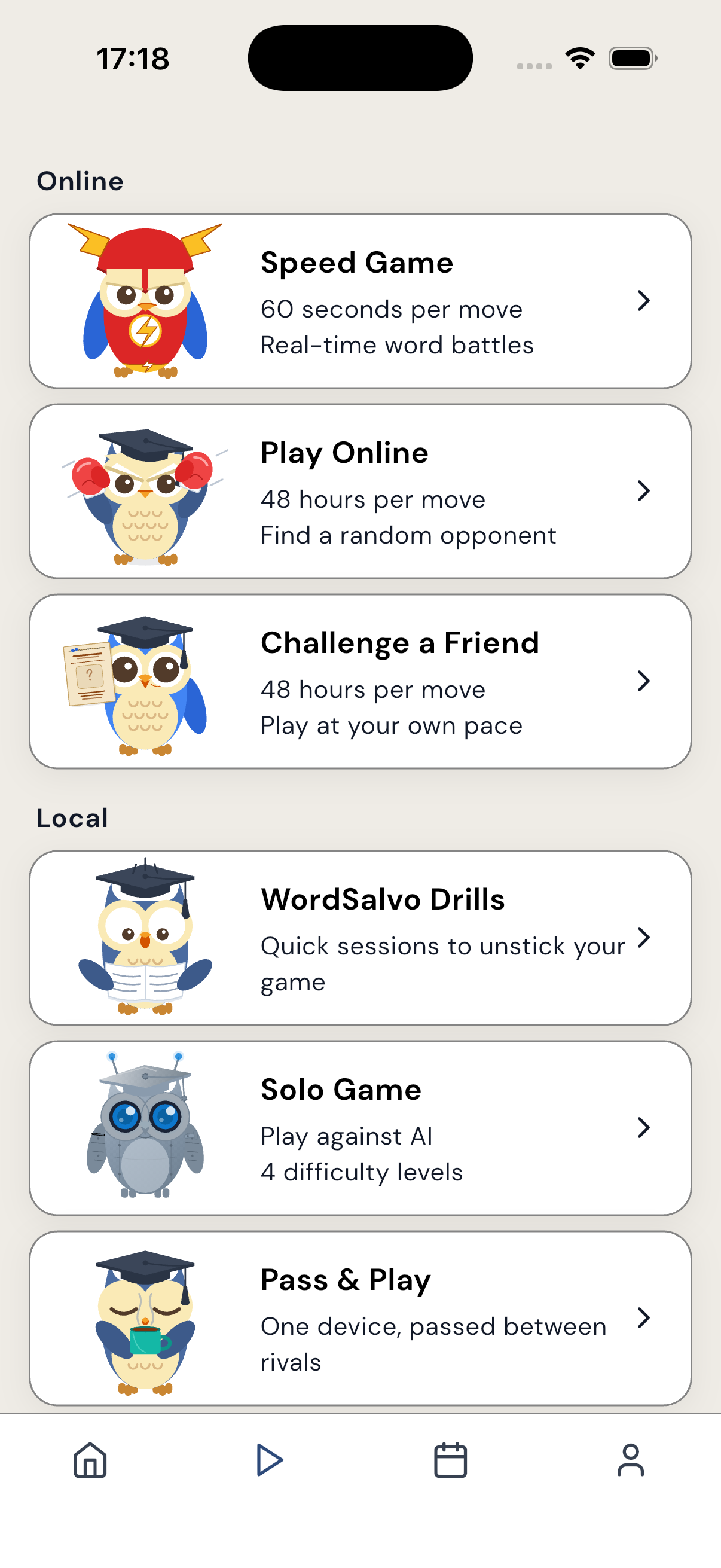
Each image is an existing WordSalvo screenshot matched to the promise here.

FAQ
The web archive contains past puzzle records and previous solutions for you to browse.
It indicates that past puzzle pages will display the reconstructed answer and stored optimal score if they are present in the archive.
A reader can review a past solution to learn word patterns and strategies before attempting the current puzzle.
The current daily word puzzle and active play experience are found by opening the WordSalvo app on your device.
Next step
Download the app to try the WordSalvo play experience.
Related pages