Proof 1
Larger tile and readability options
Readable by design
WordSalvo includes accessibility options for larger tiles, stronger contrast, reduced motion, and a calmer interface.
Make the board easier to read
Install WordSalvo for readable controls, larger tiles, and calmer options.
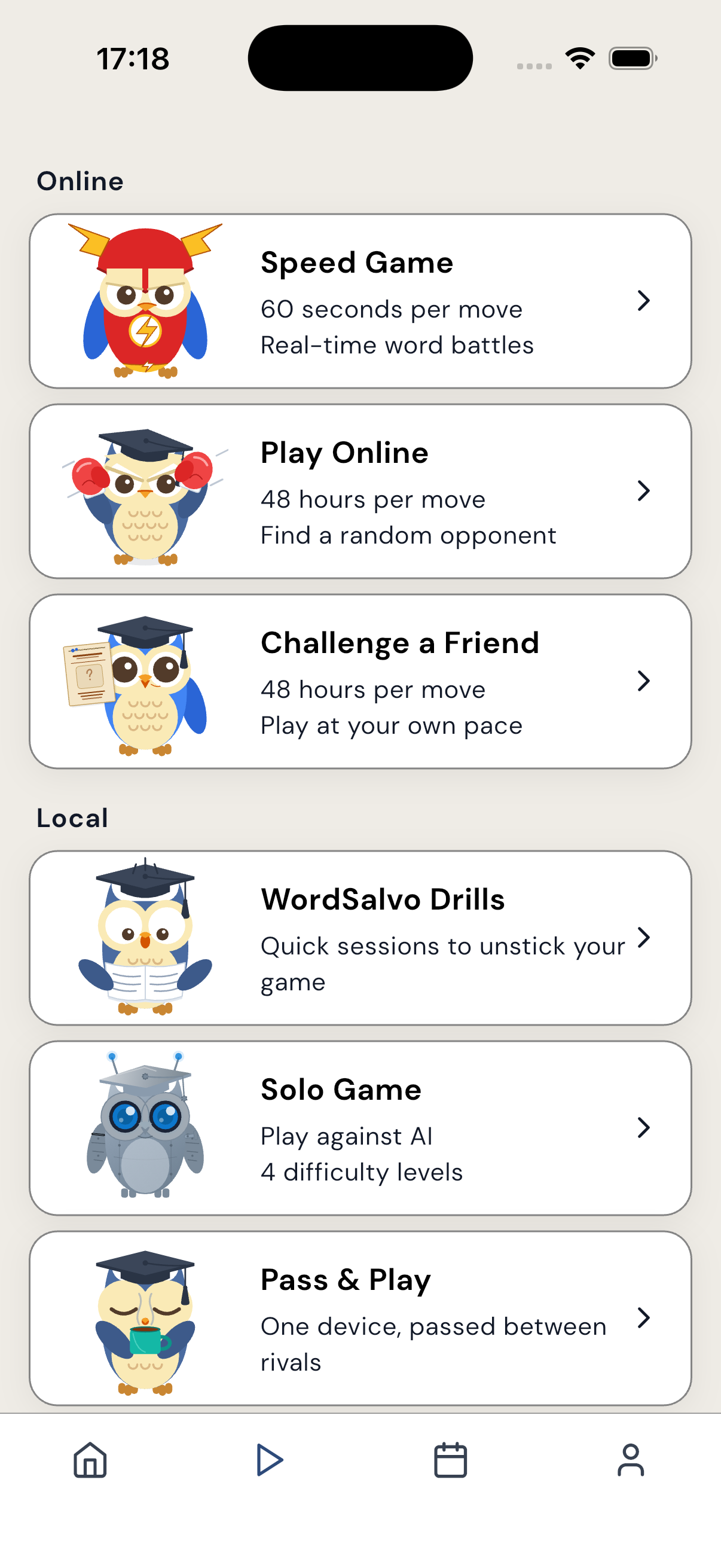
The screenshots show WordSalvo surfaces that players can recognize in the app.
Why it works
Accessibility focus stays on concrete controls and visual comfort without claiming a separate simplified product.
Larger tile and readability options
Better contrast modes
Reduced-motion preferences
Clearer screen structure for repeated play
Built for how you play
The promise stays tied to tile readability, contrast, motion, and clear screen structure.
For a word board, readability is core gameplay support, not a cosmetic extra.
Reduced-motion positioning gives players more control over how busy the app feels.
Stronger contrast and clear layout matter across lighting, screen sizes, and session lengths.
Comfort options support the same board choices, scoring, and match flow.
Screenshots
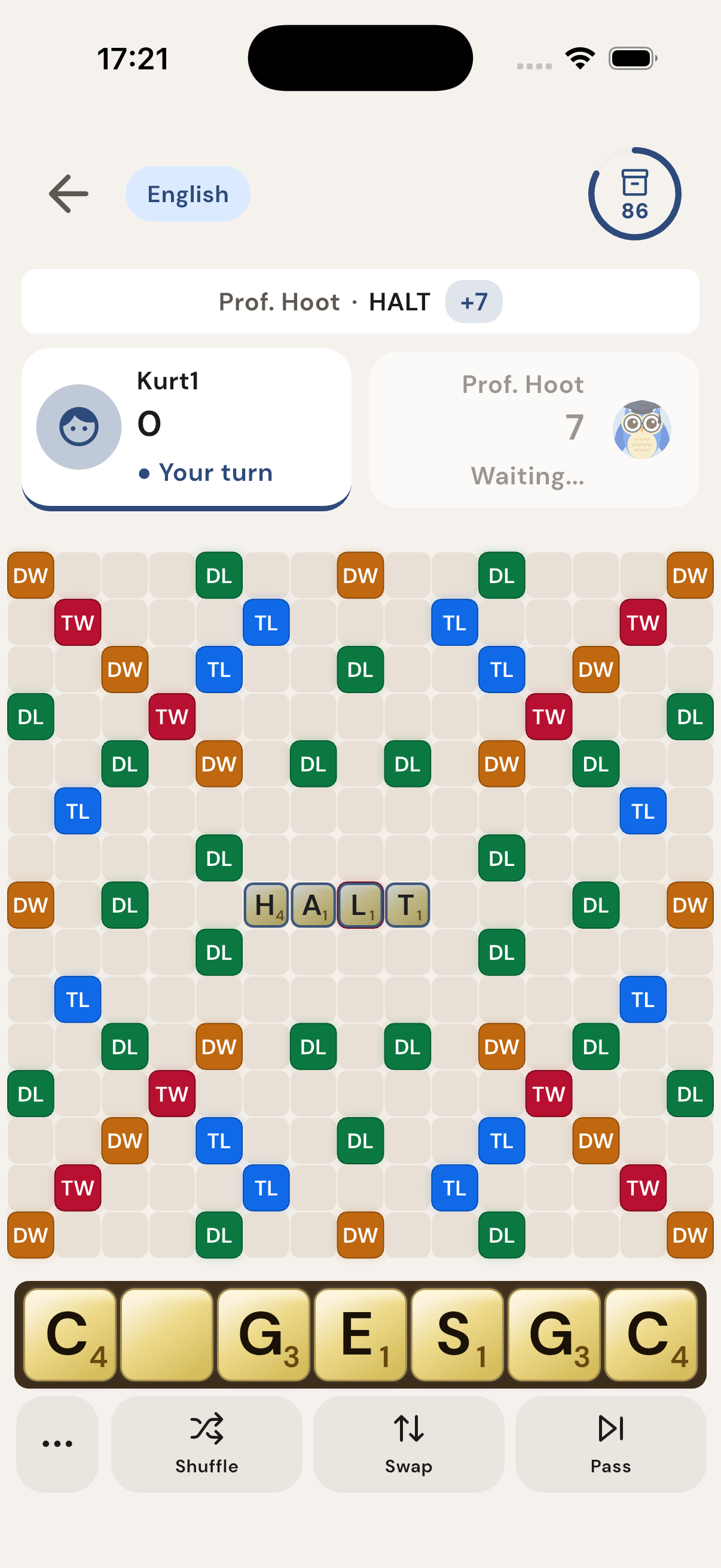
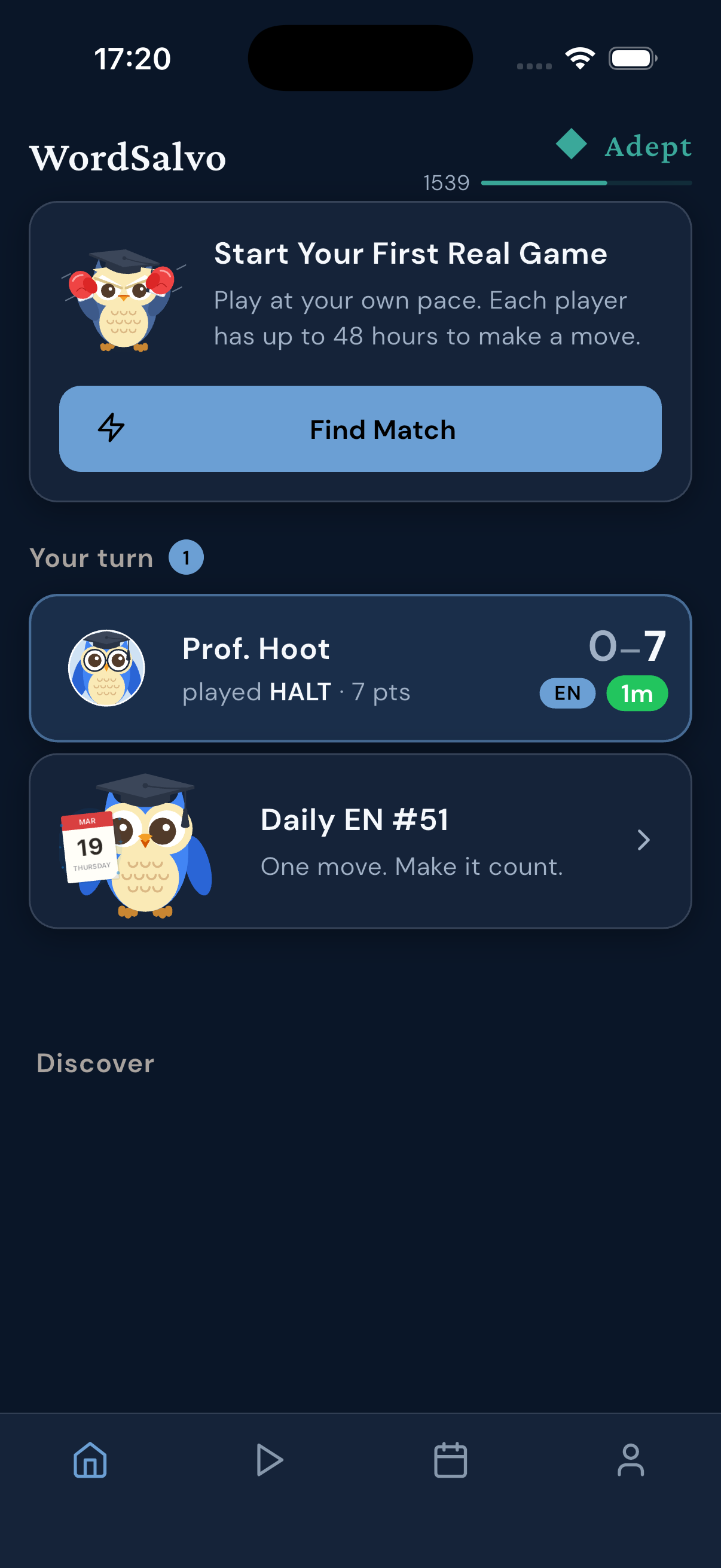
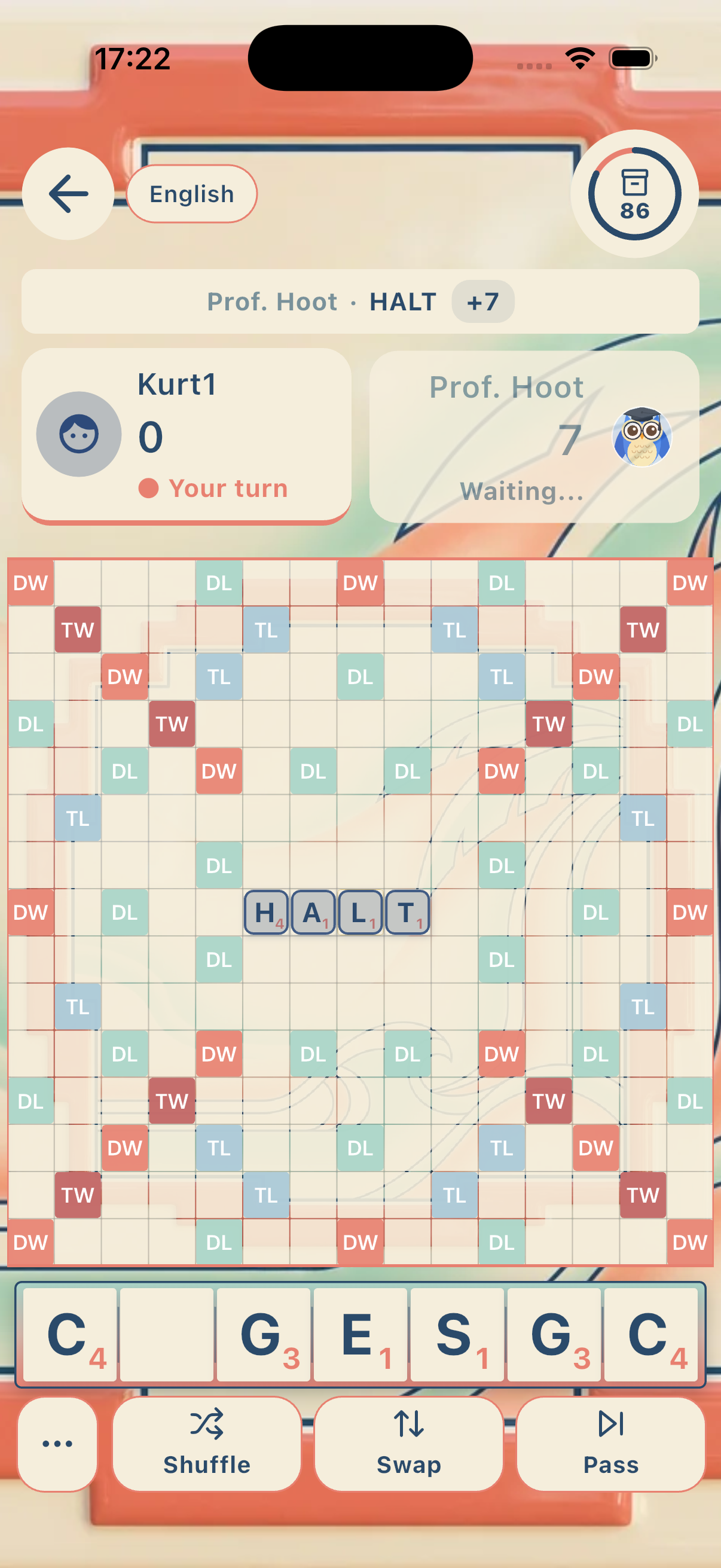
Each image is an existing WordSalvo screenshot matched to the promise here.
FAQ
WordSalvo highlights larger tiles, contrast options, reduced motion, and clearer screen structure.
Access is framed as part of normal WordSalvo play rather than a different game.
No. Accessibility keeps comfort separate from gameplay rules.
Next step
Install WordSalvo for readable controls, larger tiles, and calmer options.
Make the board easier to read
Choose your store and open the listing for WordSalvo.
Related pages